Article Contents
- You do not need CAD software — a sketch, a photo, or the physical part is enough to start.
- A clear photo plus one known reference dimension can begin a real quote.
- Critical dimensions (fits, threads, bores) matter most; non-critical ones your supplier can standardize.
- CAD reconstruction is free — you approve the drawing before anything is cut.
- Three hand-drawn views (front, side, top) with dimensions cover most custom parts.
Short answer: You can order CNC machined parts using a hand-drawn sketch, a photo of an existing part, or a written description with dimensions. A good supplier will convert your information into a proper CAD drawing and send it back before machining starts. No CAD software required on your end.
Why Most People Think They Need CAD — and Why They Don't
CAD files (STEP, IGES, SolidWorks files) are useful because they carry precise 3D geometry. But they are the supplier's input tool, not the customer's requirement. What a machining supplier needs is enough information to understand what you want.
In practice, that information can come from:
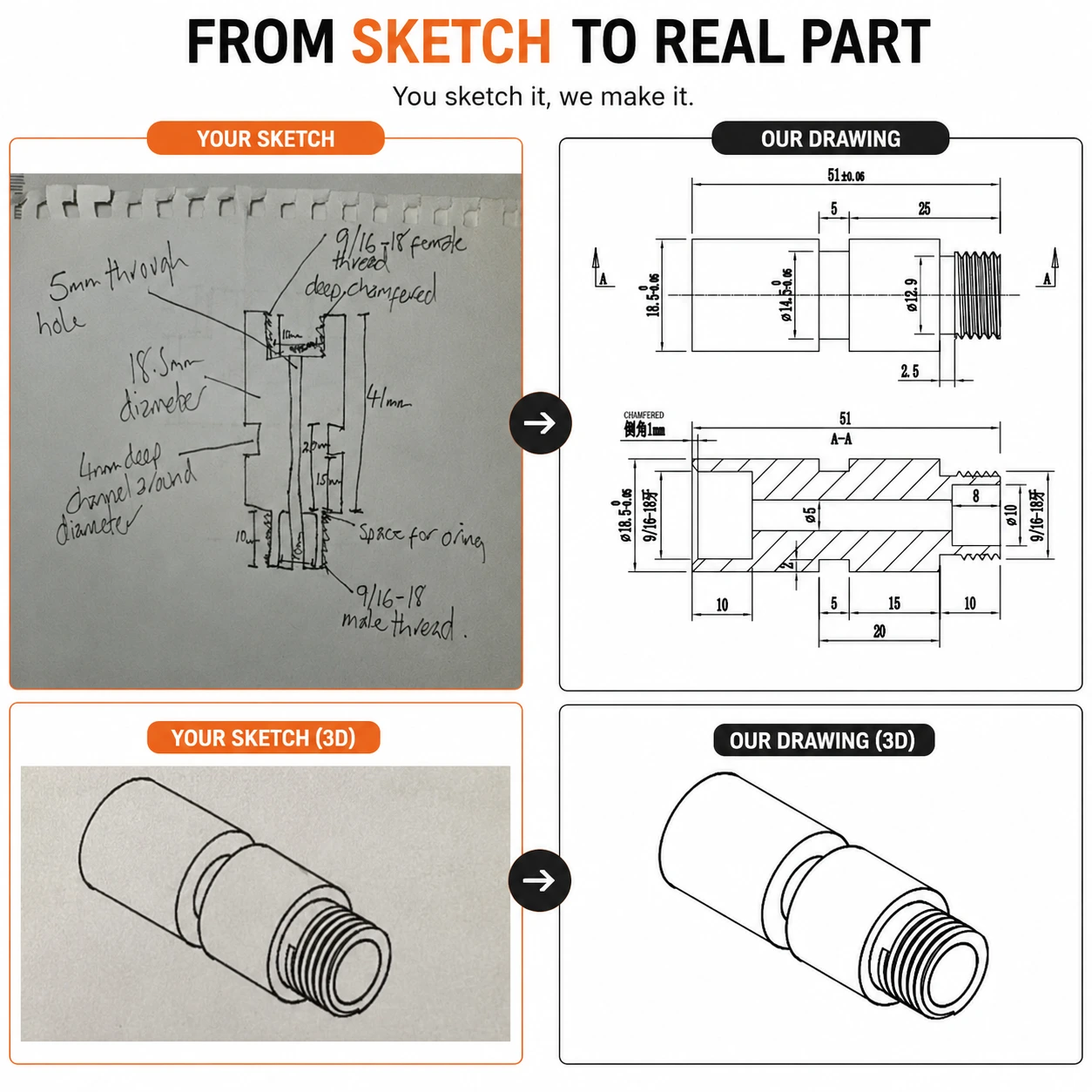
- A hand-drawn sketch with dimensions annotated
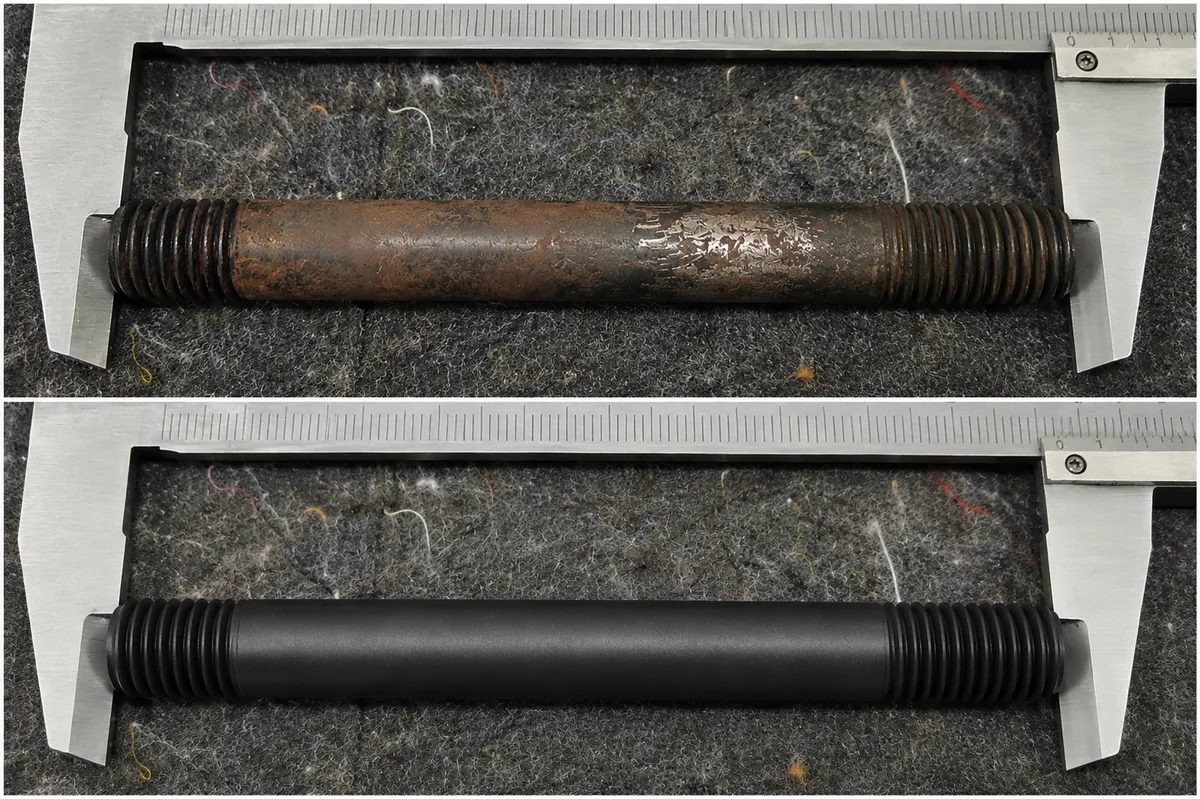
- A clear photo of an existing part (with a ruler for scale)
- A PDF or scanned technical drawing — even a rough one
- A verbal or written description with key measurements
- An existing CAD file (if you have one)
The engineering team at the machining company takes your input and creates the CAD file themselves. This is standard practice for suppliers who work with individual inventors, small businesses, and repair shops — which is a large part of the global custom machining market. If all you have is the old part itself, that is enough too — see how we make parts from a sample.
No CAD file? No problem. EKINSUN accepts hand sketches, photos, PDF drawings, scans and physical samples. Our engineers convert what you have into a 3D model, send it for approval, and only start machining once you confirm the geometry.
What Information You Actually Need to Provide
To get a quote and start production, your supplier needs to know:
1. Dimensions
Overall size (length, width, height, or diameter) plus any critical features — holes, threads, grooves, steps. Critical dimensions are the ones that affect fit or function. Non-critical dimensions (like the exact radius of a decorative chamfer) are less important — your supplier can apply a standard.
2. Material
If you know the material, specify it. If you don't, describe what the part needs to do: "it needs to be lightweight," "it will be in contact with seawater," "it needs to conduct electricity," "it needs to withstand 200°C." Your supplier will recommend an appropriate material — for example 6061 aluminum for general brackets and adapters, or 316 stainless for marine and corrosive environments.
3. Quantity
Even a rough number helps — 1 prototype, or 50 production pieces, or 500. Quantity affects pricing and may affect the manufacturing method recommended.
4. Tolerances (Optional — but important for precision parts)
If the part needs to fit precisely with other parts (a shaft going into a bearing, for example), you need to specify the critical dimensions with tolerances. If you don't know what tolerance to specify, describe the application and let your supplier advise. For decorative or non-precision parts, standard machining tolerances (±0.1mm) are usually fine. Our tolerances guide for non-engineers explains what the numbers mean.
Tip: When in doubt, send more information rather than less. A blurry photo with rough dimensions is still useful — your supplier will ask follow-up questions. The goal of the first contact is to open a conversation, not to provide a complete engineering package.
How to Draw a Good Hand Sketch
You don't need to be an engineer to draw a useful sketch. Here is a simple approach that works:
- Draw three views — front, side, and top (or bottom). This is called orthographic projection and gives a complete picture of the part from all angles.
- Add dimensions to each view — use a ruler and write the measurements directly on the drawing.
- Circle or mark critical features — holes, threads, tight-tolerance surfaces. Write notes like "M8 thread, 15mm deep" next to them.
- Add a scale reference — include a ruler in the photo, or write "overall length = 85mm" prominently.
- Take a clear photo in good lighting. Flatbed scanner is even better if you have one.
This level of information is sufficient for most custom parts. If the part is simple (a round spacer, a flat bracket), a single view with dimensions is enough. Working from a photo instead? See how to get a part made from a photo.
What Happens After You Send Your Drawing
At EKINSUN, this is our process when we receive a hand-drawn sketch:
- Our engineer reviews the sketch and identifies any ambiguous or missing dimensions
- We contact you with specific questions if needed (usually just 2–3 questions maximum)
- We create a proper CAD drawing based on your sketch
- We send you the CAD file for review and approval — this is your chance to confirm everything is correct
- Only after your approval do we begin machining
This process is included at no charge as part of every order. You are not billed for engineering time or CAD creation. The same workflow lets us make replacement parts when the original is discontinued or the supplier is gone.
Common Mistakes to Avoid
- Forgetting to include scale — a sketch without dimensions is almost useless. Always add measurements.
- Assuming the supplier will guess — if a dimension is critical, mark it. Don't rely on your supplier to figure out that a hole needs to be exactly 8.00mm for a bearing fit.
- Sending only one view for complex parts — a 3D part needs multiple views to communicate fully.
- Not specifying the material — even if you're not sure, give context ("it needs to survive outdoors" or "it's for a food processing application").
Ready to get started? Send your hand drawing, photo, or description to [email protected] — or fill in the quote form at ekinsun.com. We'll get back to you within 12 hours.
Parts Ordered Without CAD
All of these started with a sketch, photo or physical sample — no CAD file from the customer:
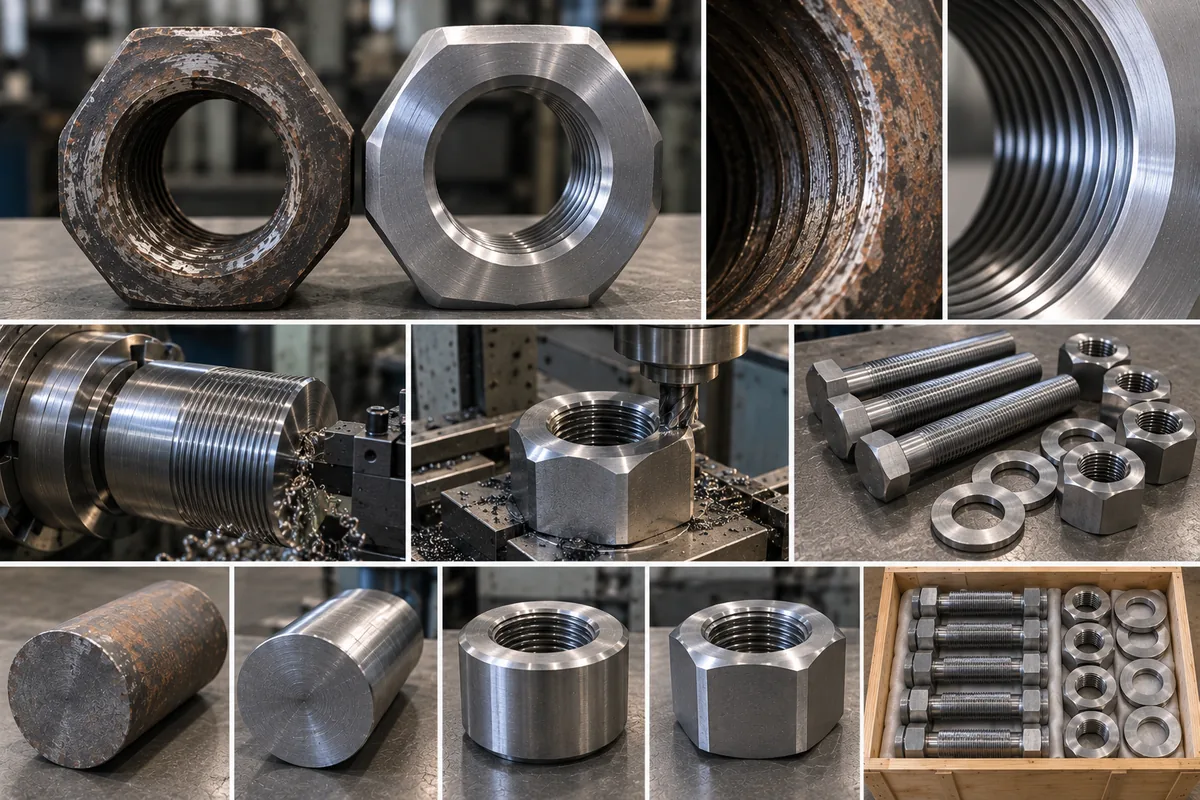
For a plate, the hole positions from one corner, the outline and the thickness are enough; what to send is listed on custom machined plates.
Frequently Asked Questions
Yes. You can order CNC machined parts using a hand-drawn sketch, a photo of an existing part, or a written description with dimensions. A good machining supplier will convert your information into a proper CAD drawing and send it back for your approval before machining starts.
At minimum: overall dimensions, the material (or a description of the application), and quantity. Tolerances and surface finish requirements are helpful for precision parts, but your supplier can advise if you explain how the part will be used.
Take a clear photo of the existing part with a ruler for scale, annotate key dimensions, and email it. If you're designing something new, draw three views (front, side, top) on paper with dimensions. A video call is also an option — many suppliers will walk through the part with you on screen.
At EKINSUN, CAD conversion from your sketch is included at no charge. Some suppliers charge an engineering fee — always clarify this before proceeding.